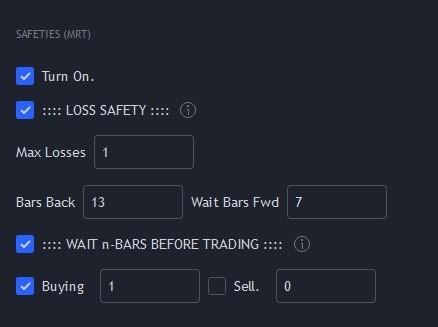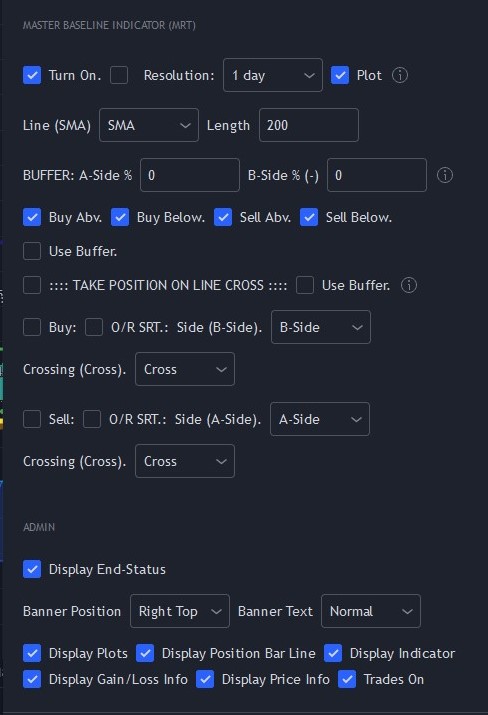
Set Up Instructions
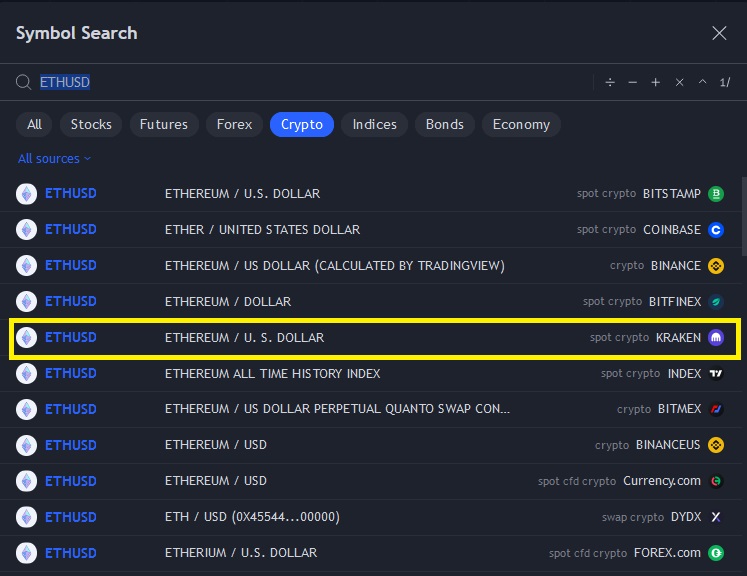
These instructions show you how to duplicate the example bot setting for ETH/USD as shown on TradingView. Select ETHUSD Calculated by TradingView (see Figure 1). 
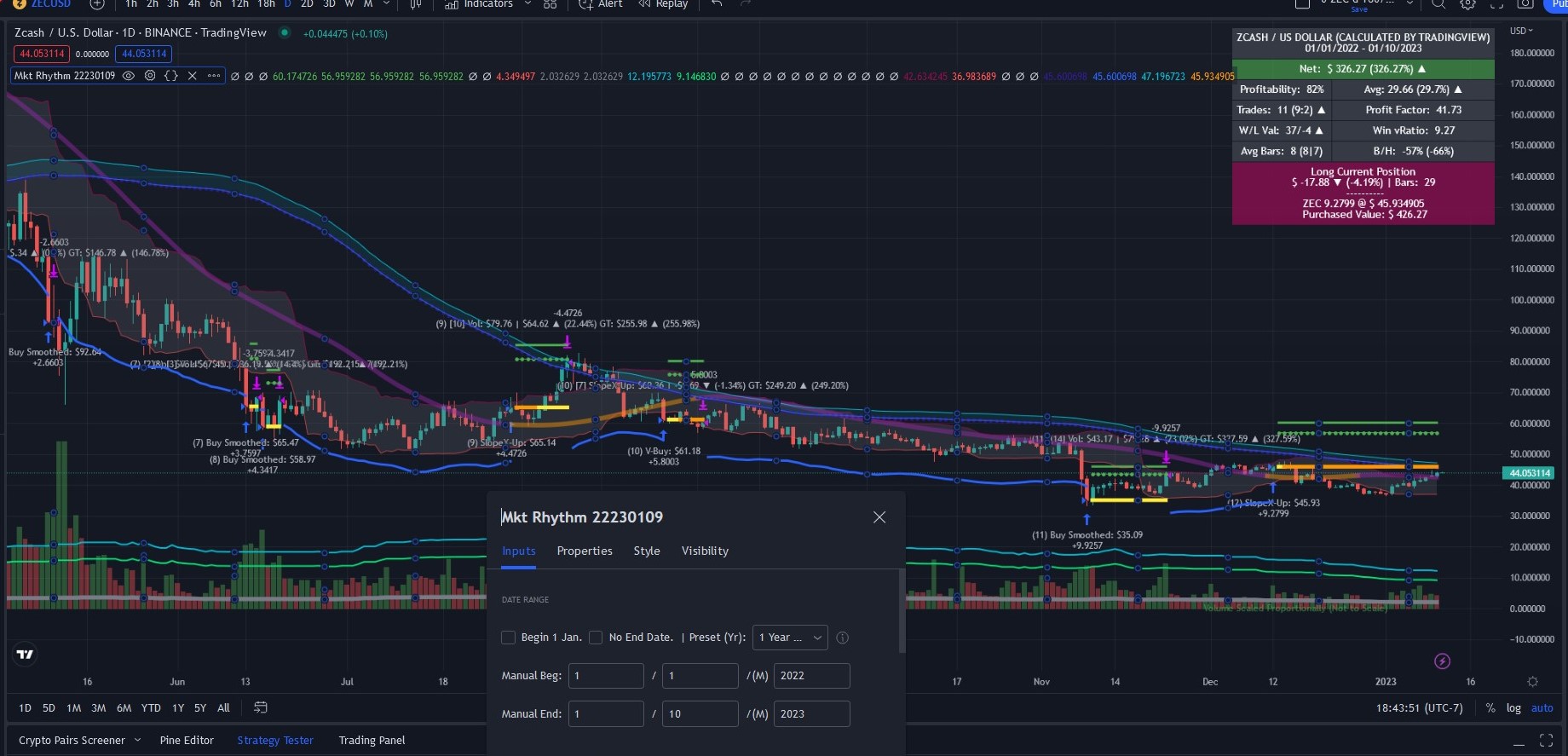
- Set the date fields (in the bot) exactly as the image shows–uncheck the Begin Jan 1 and No End Date boxes and set Preset (Yr) to manual; and set the Manual Begin and Manual End dates as shown below.
- Check that your Scoreboard (top right of plot) displays the same information as ours.
IMPORTANT: Our example setting are just a starting point. Never rely on our examples or assume they are investing or trading advice. You are solely responsible for bot set ups, back testing, and investments or trading decisions and actions.